
Bifrost and Mental Ray update 1
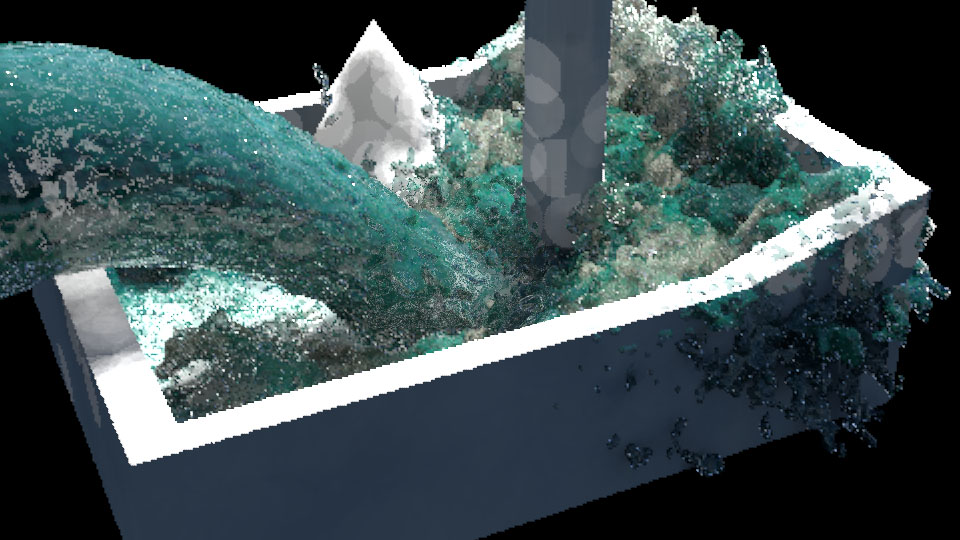
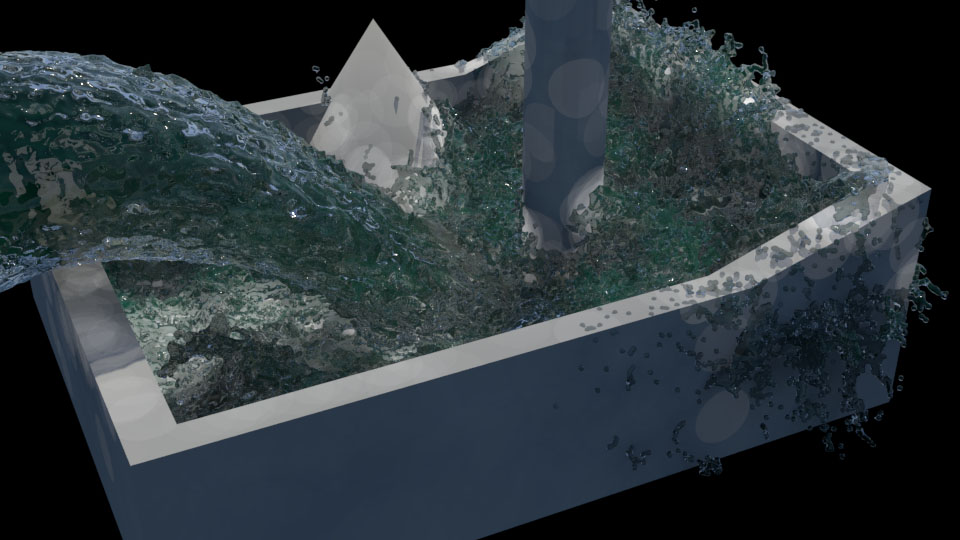
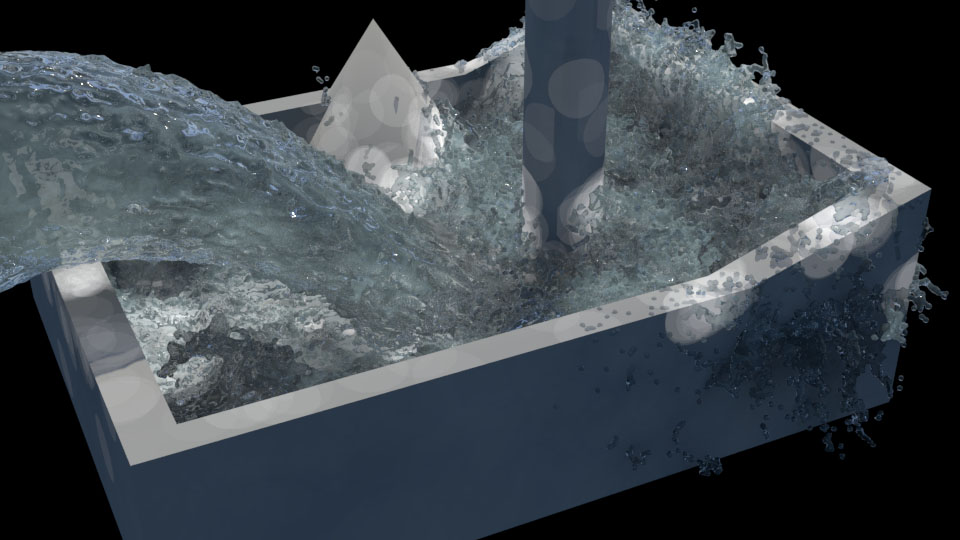
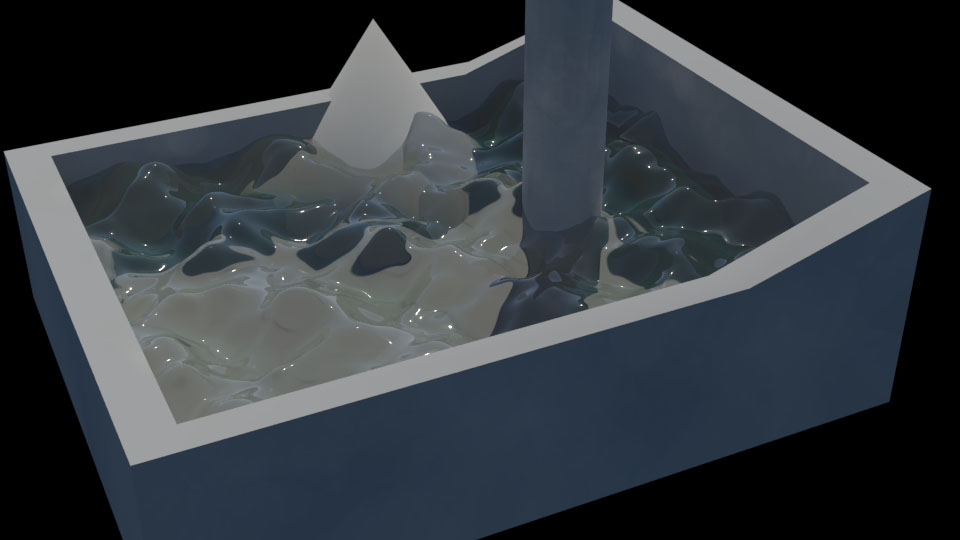
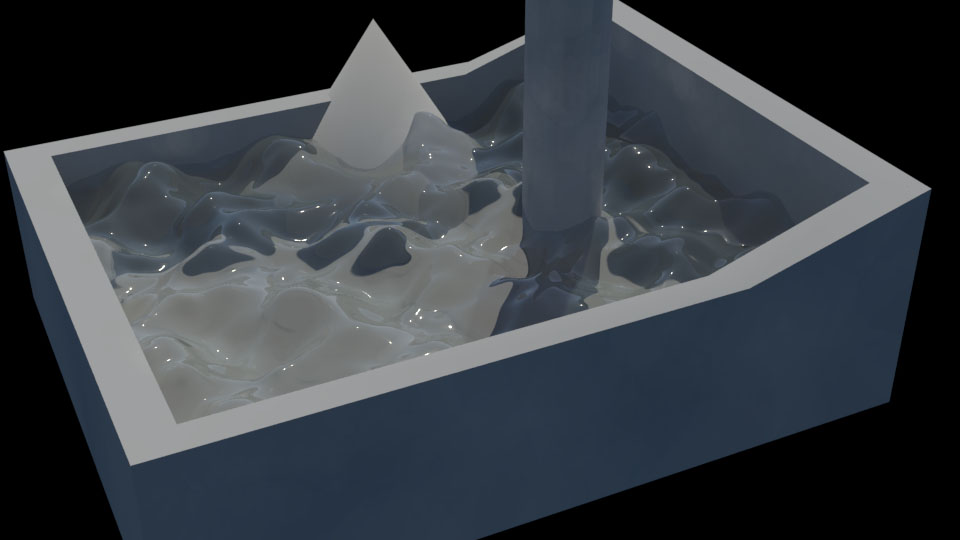
I continued my progress with Bifrost and wanted to get more realism into the water. I created a scene where a lot of water is pouring into a cube. I also added some objects inside of the cube to get more water dynamics going. The way to go was to lower the voxel size inside the Bifrost sim. I tried .05 for this scene. Also the mesh has a high resolution factor to increase realism.
The first render was horrible, but it was just to test the mesh of the water. I had to run an alembic export over night and the 250 frames of water is a whopping 32 gigabyte file. Just to put it in perspective, in the 100th frame the mesh is over 10.000.000 polygons.
The second and third image are tests for the water material. I’m using a mia_material_x and am using the water preset. Just like the last time i’ve been tweaking the numbers to get a nice water feeling. The problem here is that the render times are getting longer and longer because the mesh is so complicated.
To reduce the render time i decided to use a cube with texture deformer to simulate a water effect. The render times went down from 7 minutes to around 13 seconds. This way i could be more effective and get that water look. After adjusting the settings i just put the material on my high poly mesh.