
Robot Dive Still Images
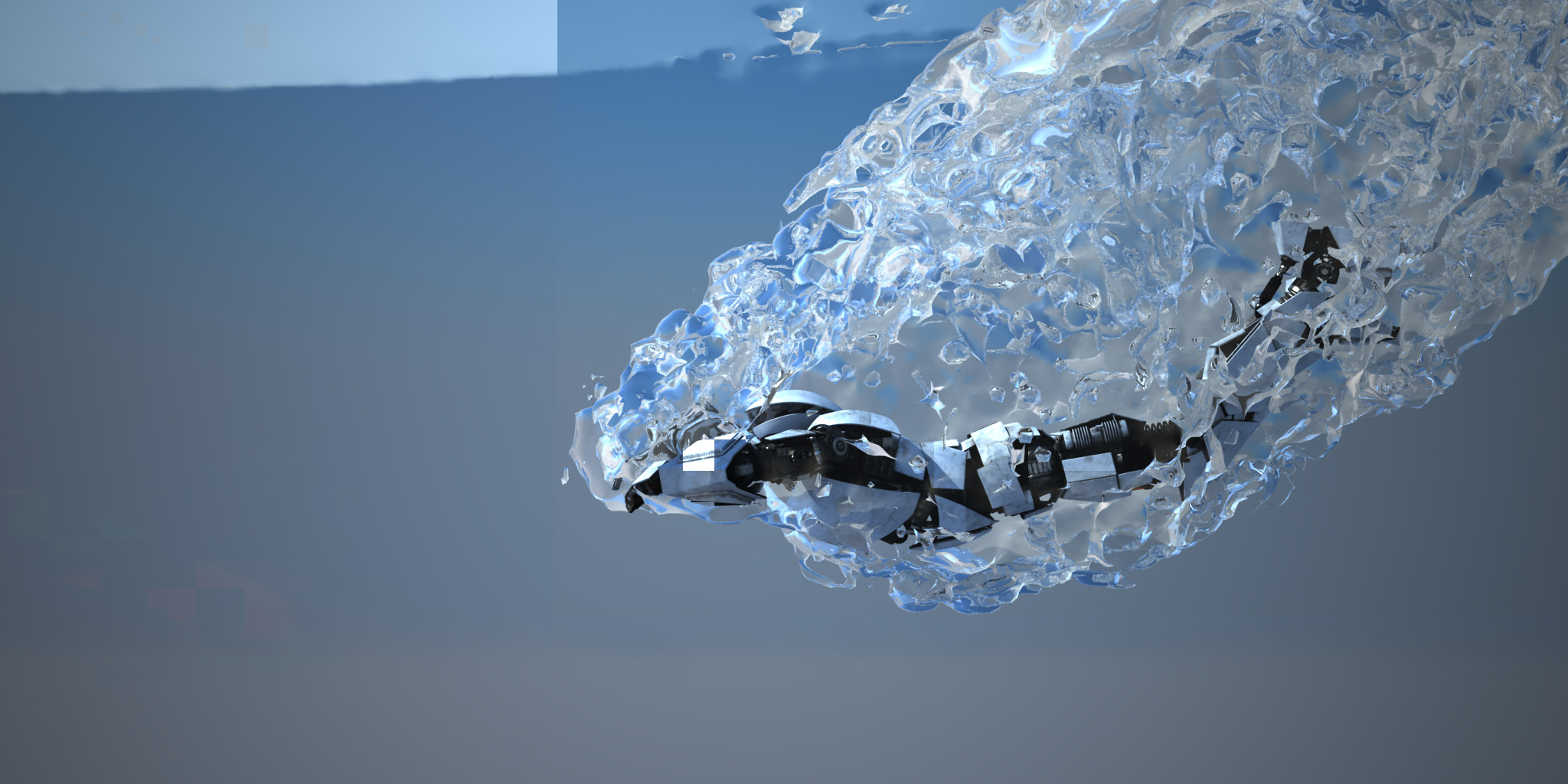
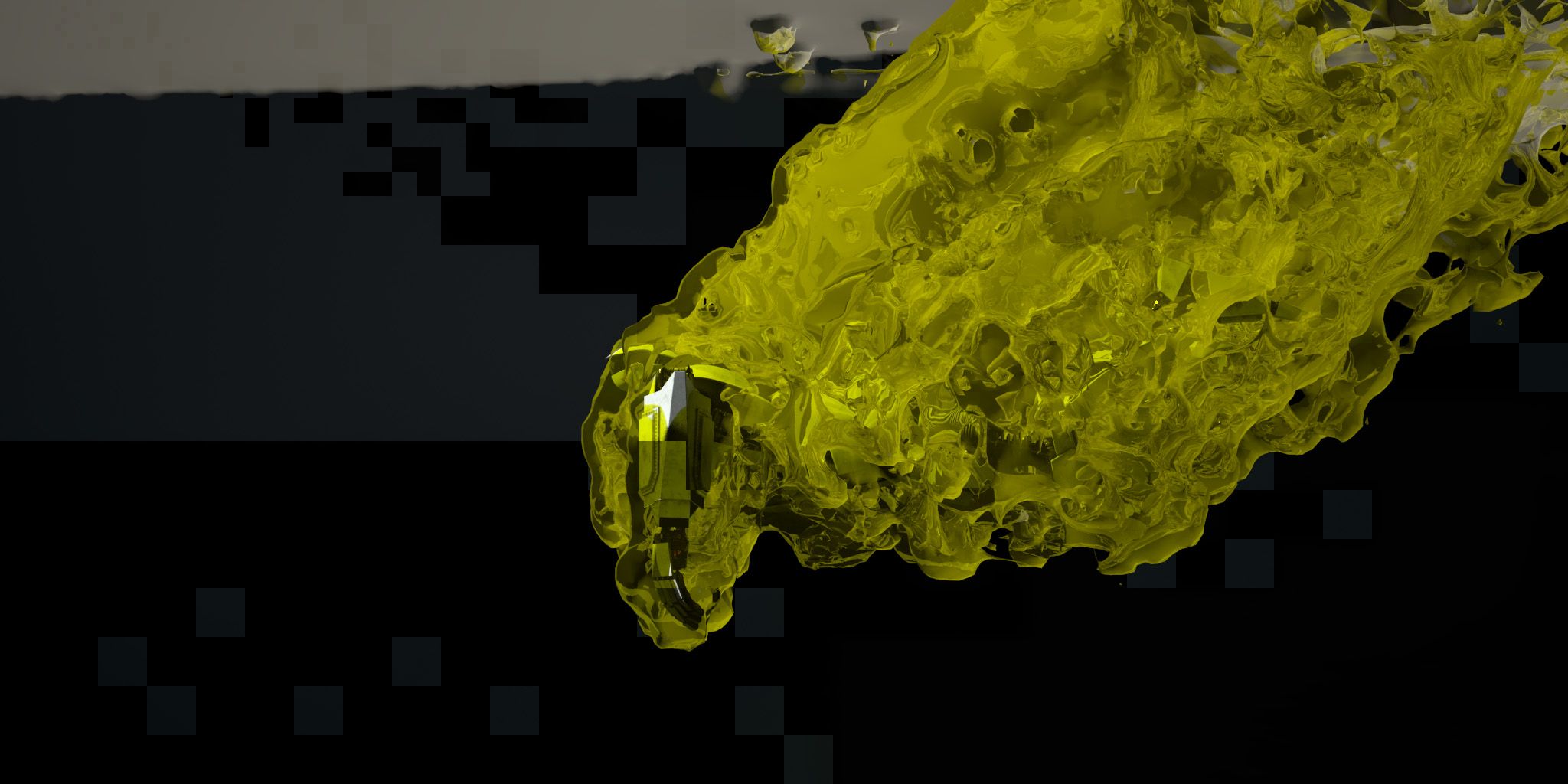
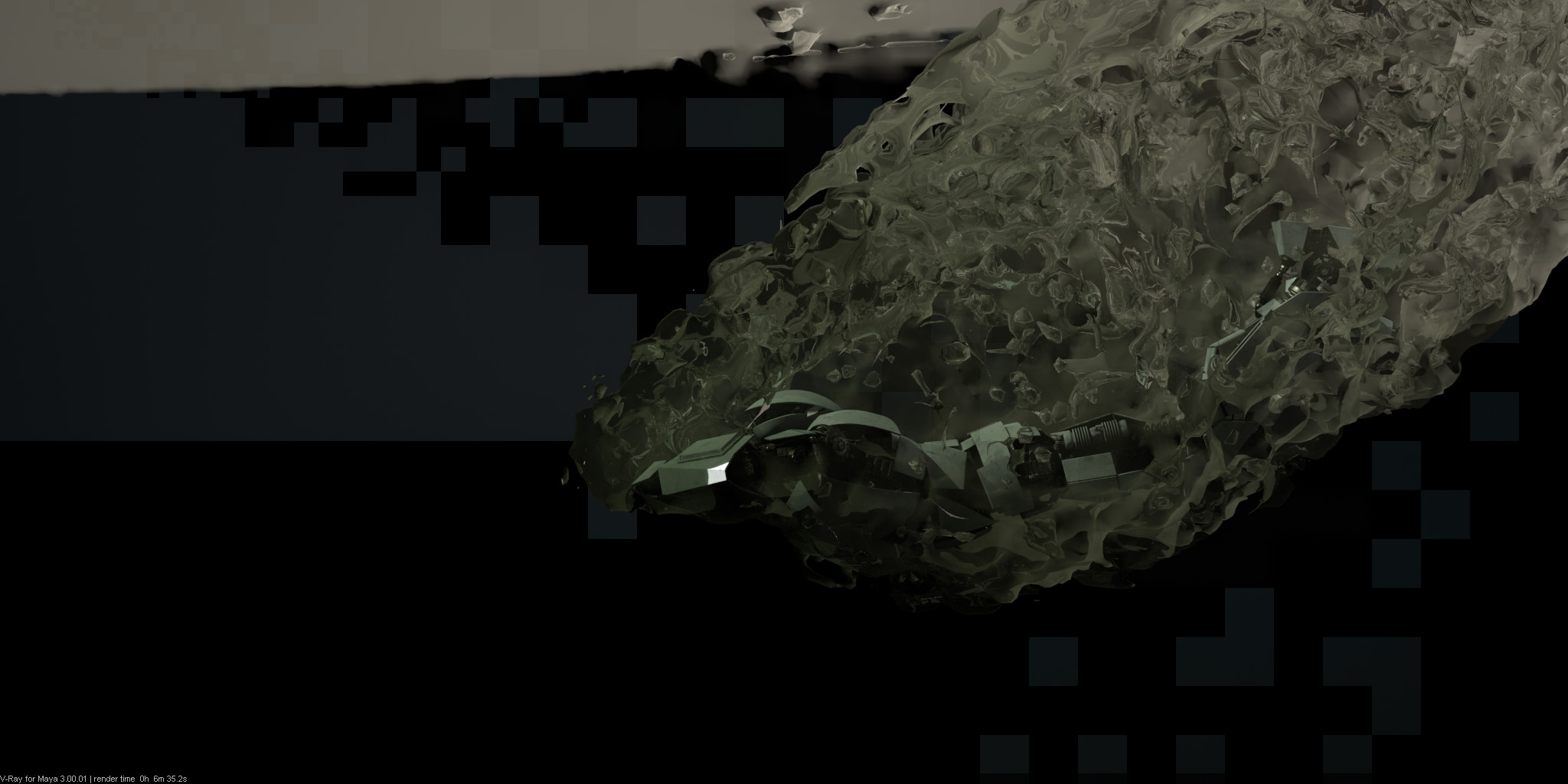
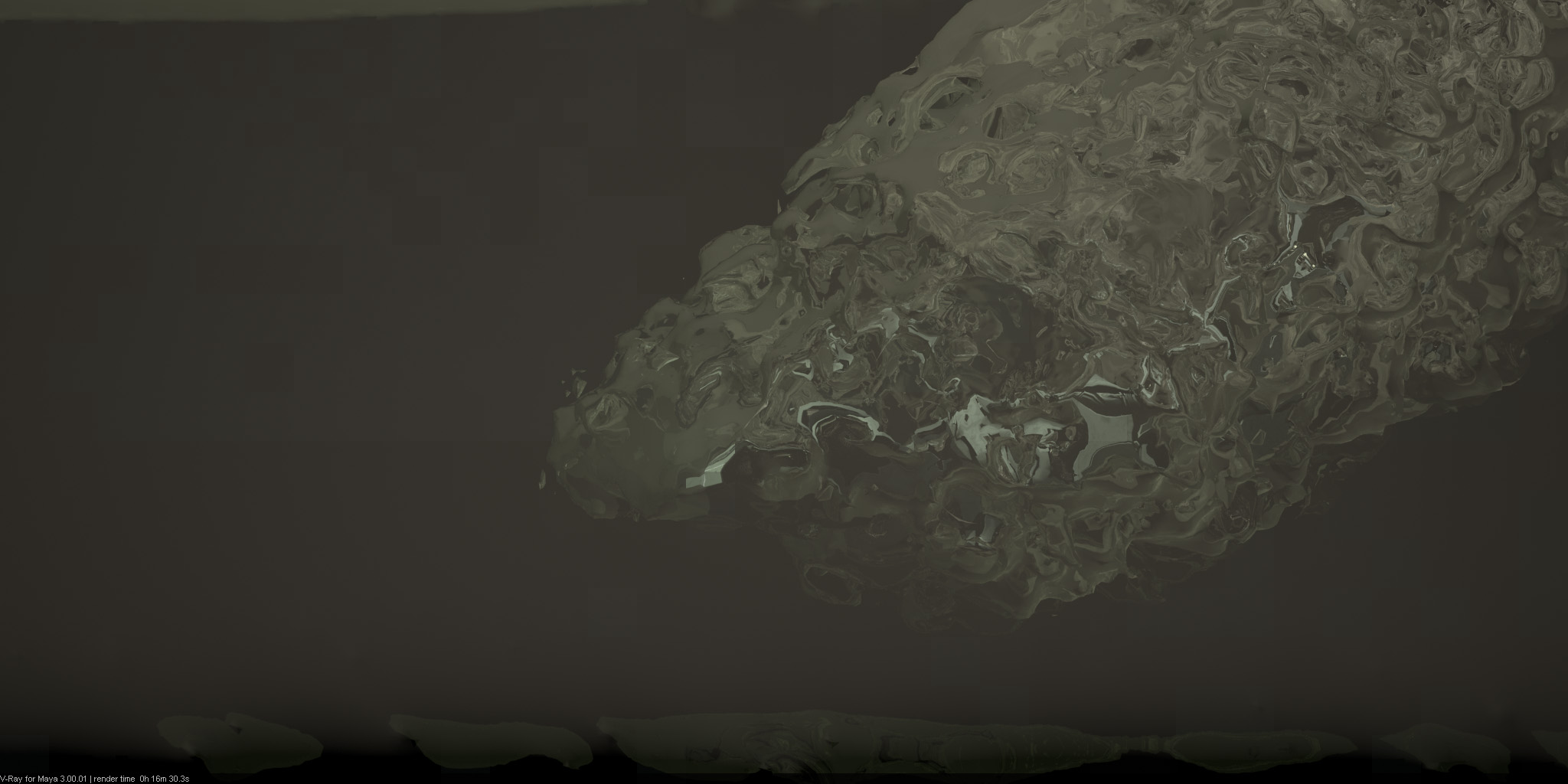
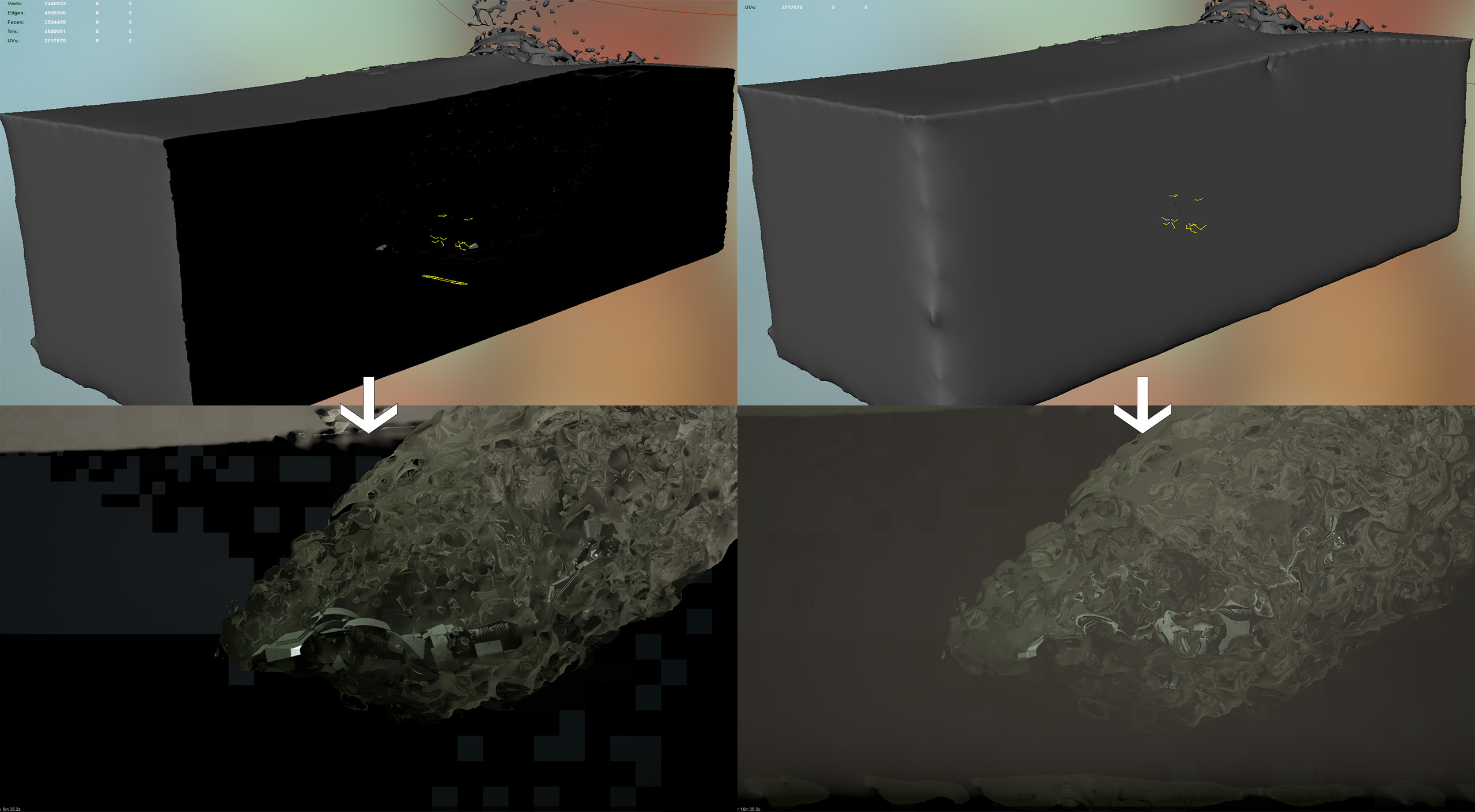
I’ve done some render tests on how the robot is going to look under water. I imported the generated mesh from Realflow and applied a V-Ray shader to the mesh. All images are direct outputs from V-Ray.
In the first image I wanted to test the outcome of the water, it pretty much needed a water feeling.
In the second image I wanted to achieve the underwater look and feel. Since he is not jumping in water in Bali the water has to be a bit dirty. The water in Rotterdam harbor probably is dirty and sand kicks up because of the natural ocean movement but also from ships passing by and the harbor being only around 23 meters deep (source here) sand would be kicking up. Ivaylo told me to use a bit of fog to get the volumetric light going on, which I had expected to use. However I added too much green and now the robot jumps into a toxic pool of doom.
In the third image I got closer to the result I am looking for. However I didn’t get the foggyness I was looking for. Also the left elbow of the robot was sticking out and becoming obviously white.
In the fourth image I got the result I wanted. The dirtyness of the water is present, the bubbles look good and I got rid of the robots elbow being white.
In the last image you can see what the difference is between the previous two images. In the first comparison where the robot’s elbow is visible you can see that the water mesh is open on one side. This means that the camera is looking directly at the robot’s elbow so of course it is going to be white. In the second comparison you can see that the water mesh is complete and not clipped, this means that there is now a shader in between the camera and the robot’s elbow. So the problem solves, also it amplifies the look and feel of the fog, which is what I wanted to achieve.