
50 shades of motion
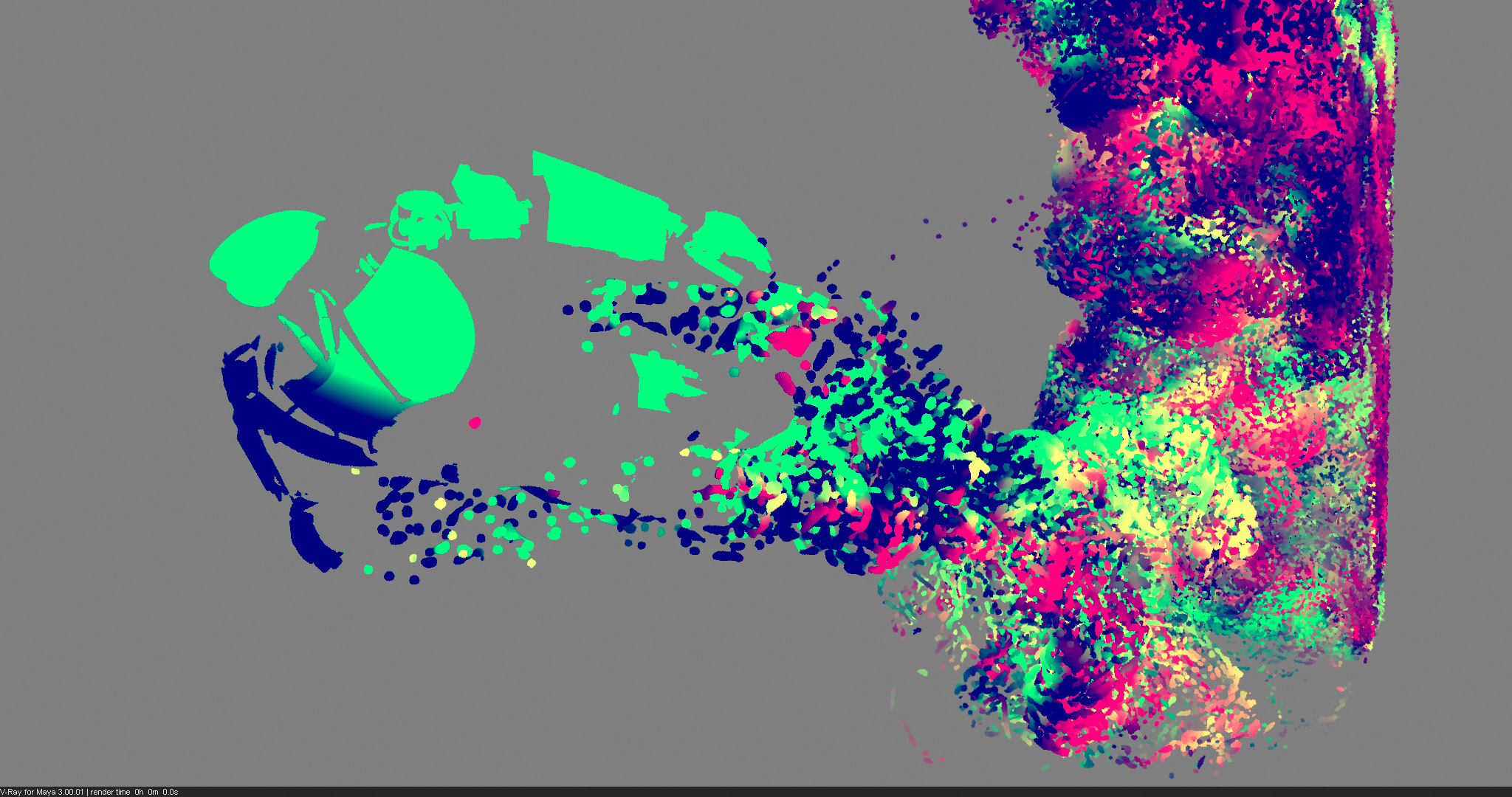
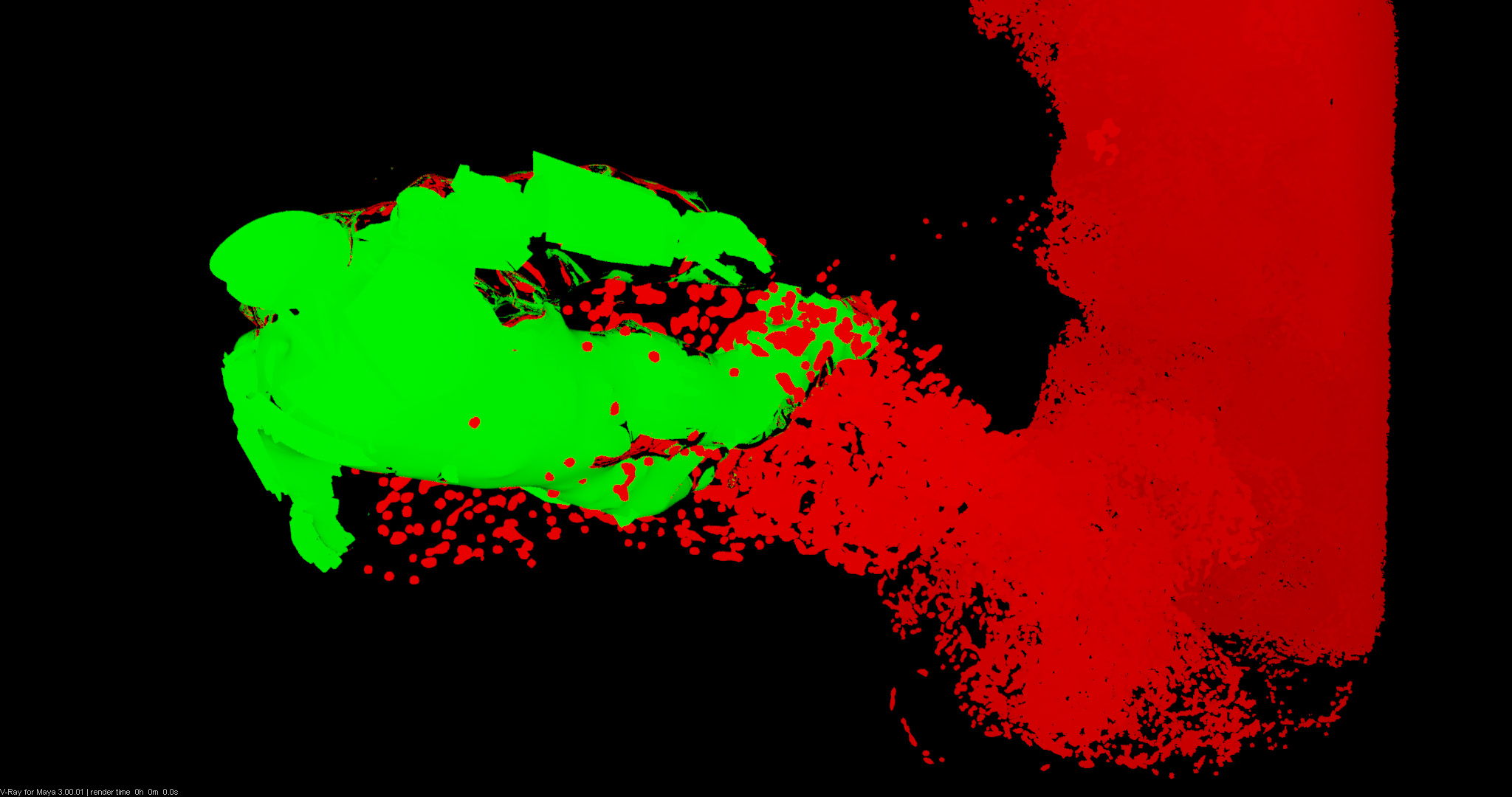
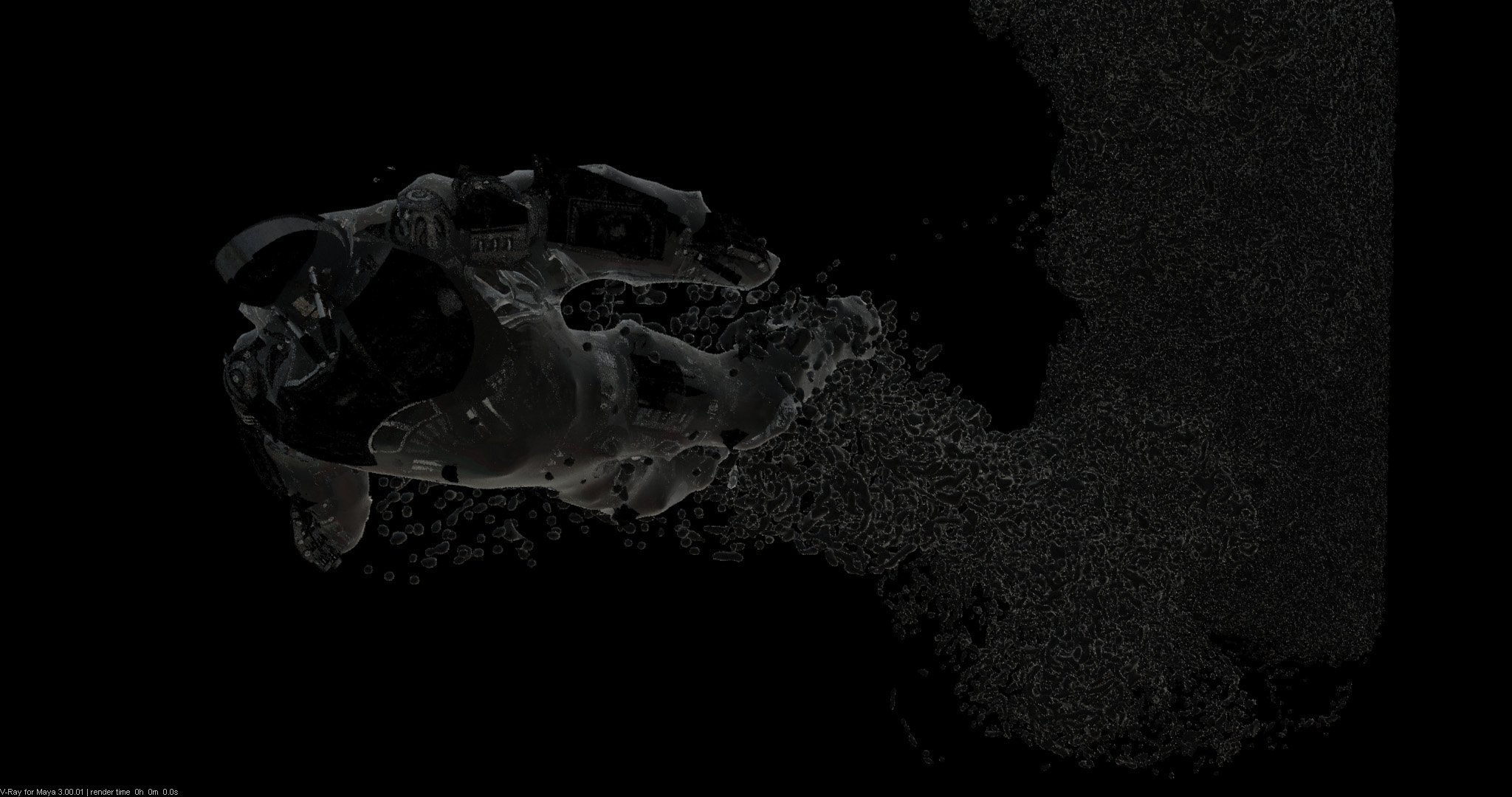
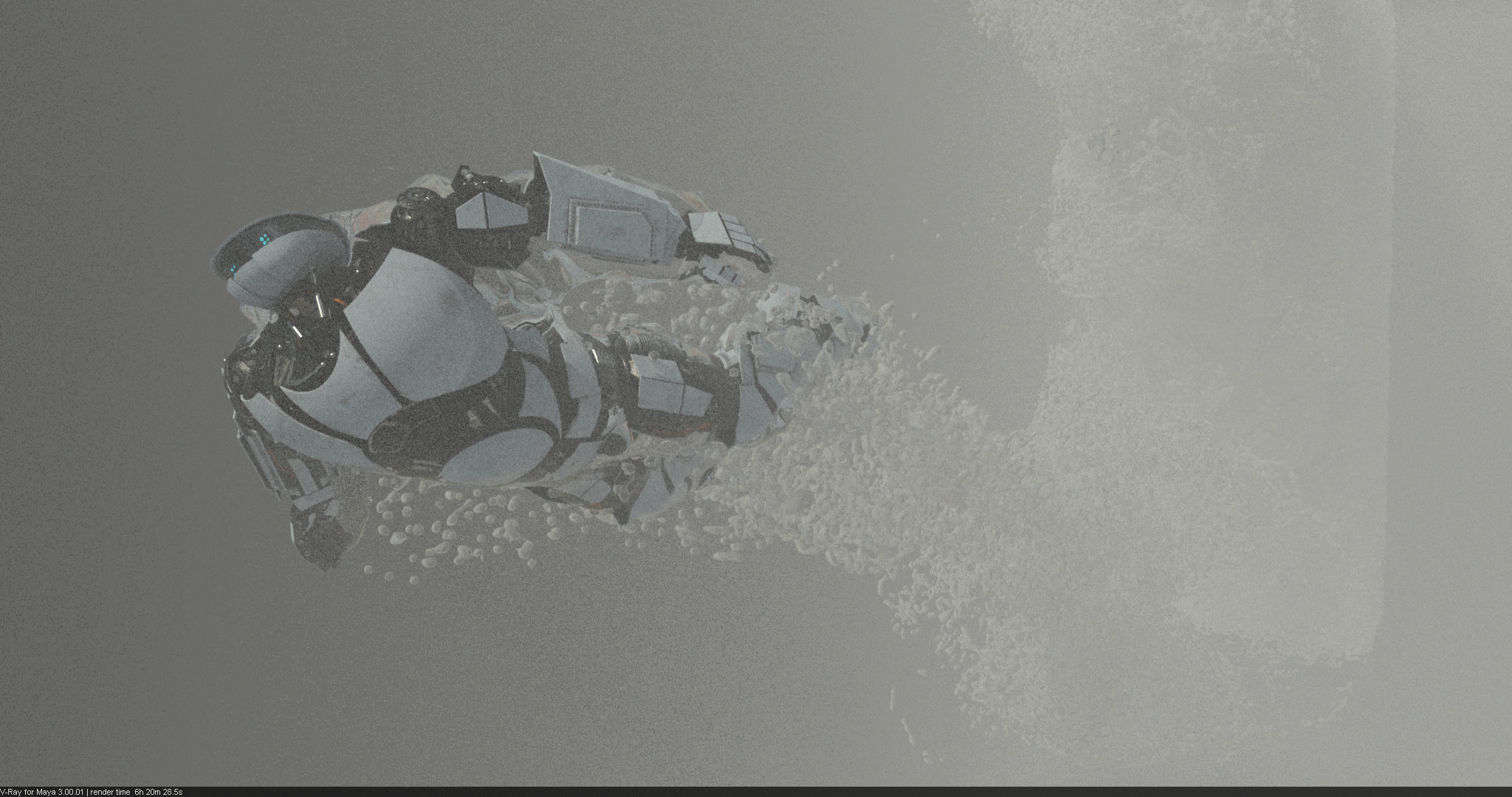
So the last week I have been busy getting the correct render elements out of V-Ray. This has been so hard because the actual water polygons are sometimes covering the robot which blocked some of the render elements. For example, my multimatte channel didn’t appear refracted as the water contains this effect. However there is a nice little setting in the V-Ray material under “Affect Channels”, when you set this to “All channels” you actually get your refractions in the render elements as well! Now you can see in the multimatte pass that the green from the robot is refrected as well.
Velocity pass, V-Ray proxy and alembic workflow
Another hard part was getting the velocity pass correctly. I saw a tutorial a while ago on how to get a stitched realflow alembic file into Maya and render it with motion blur. I used this same workflow to get the velocity pass from the mesh. If you import the alembic via the alembic pipeline you do not get any data like velocity, motion blur and viscosity etc.. This video explains how to do so.
What happens is that once you have your simulation and meshing done in Realflow you can export them as a .abc (alembic) file. Within Realflow you can stitch all these seperate alembic files into one big alembic file. Then inside Maya you import them as a V-Ray proxy and give them a shader. Because it is a V-Ray import you get the additional data from the stitched alembic file (which contains data like velocity). The picture above does not contain the correct velocity pass, because they are being rendered out right now. The correct velocity pass is already tested and underway!